The purpose of this tool is assist the grocery manager in placing the weekly order.
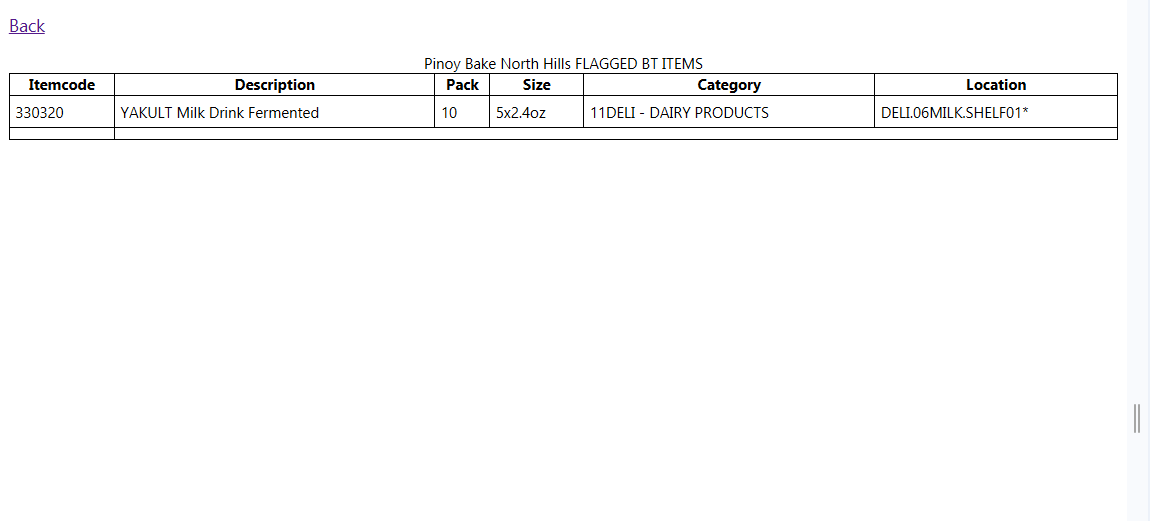
The image below shows the menu item that goes to the Order screens.
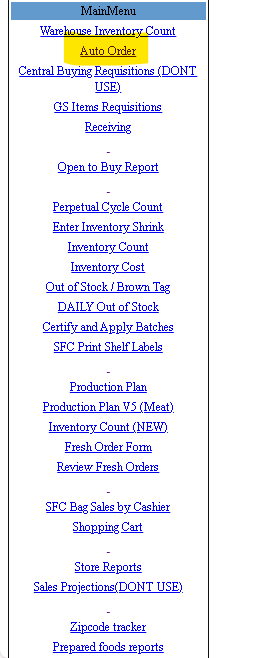
This is the main page. From this screen the GS can either scan the items UPC or type in the Itemcode.
There are 3 reports on this page.
1. Review Order – This page displays the entire order.
2. Items for review – This shows the items the GS flagged that need some investigation eg Check inventory, promo items, etc.
3. Items not scanned – This report shows the items that have yet been ordered or handled by the user.
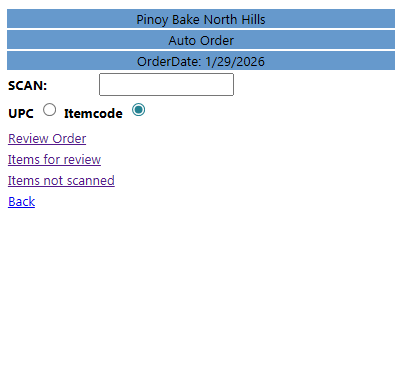
This page shows up after scanning the UPC or Itemcode. The product information is display here.
Item quantities (Movement, Received, Inventory) are in units unless specified as a case. This is indicated by the (cs) in the label.
There are 3 inputs in this page.
1. Inv Count – This number will override the current inventory number in the database. A new Suggested order will be calculated.
2. Shelf Cap Qty – This number will override the current shelf capacity. A new Suggested order will be calculated.
3. Order qty (cs) – This is the order that will show up in the Purchase order to the vendors.
Grocery Order
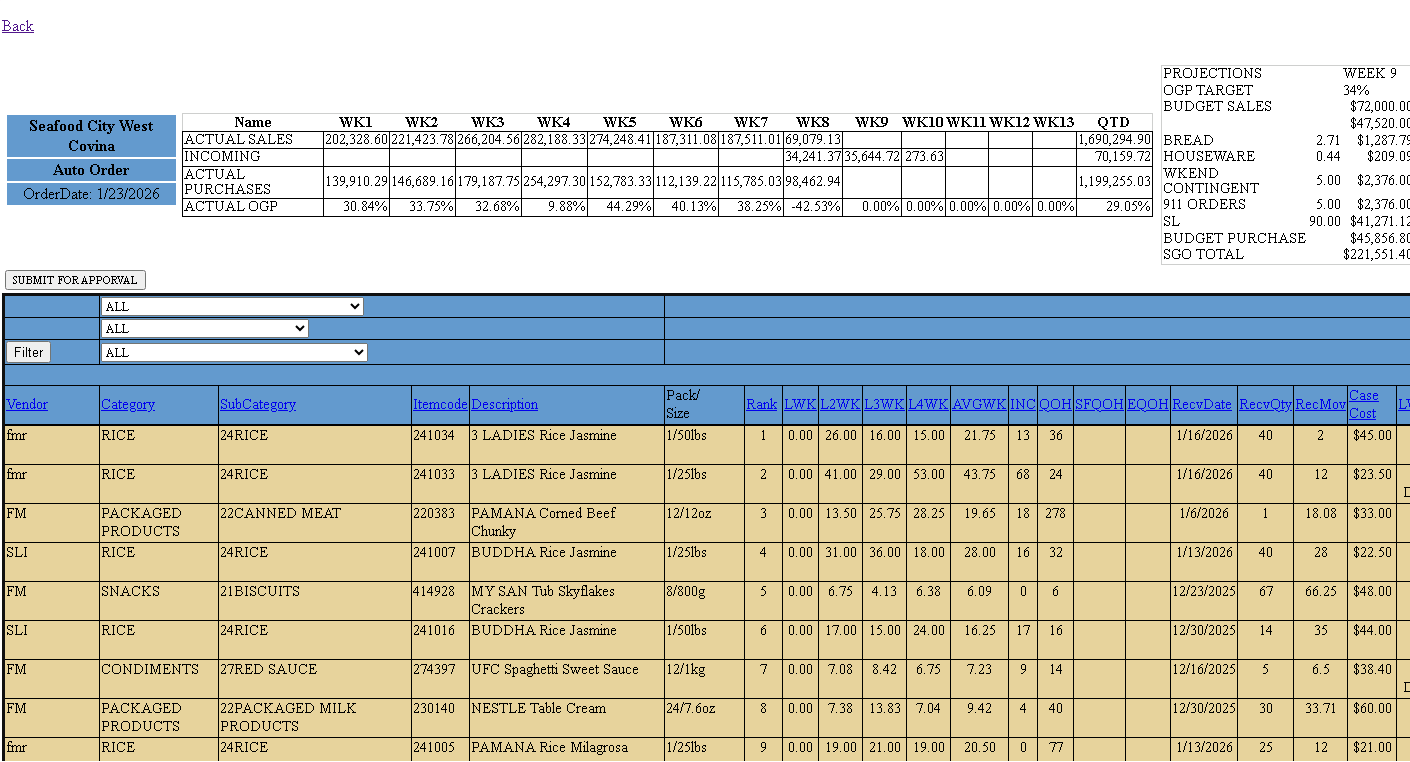
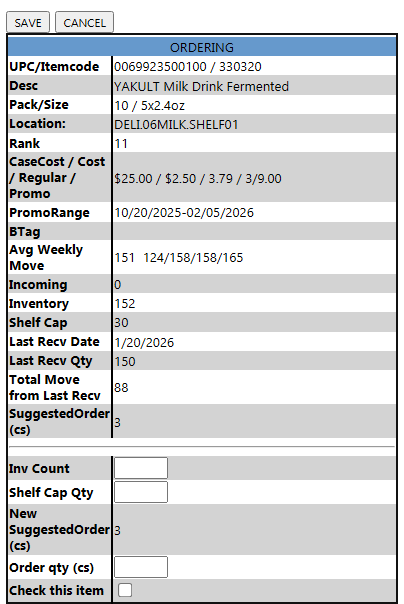
Flagged item report.